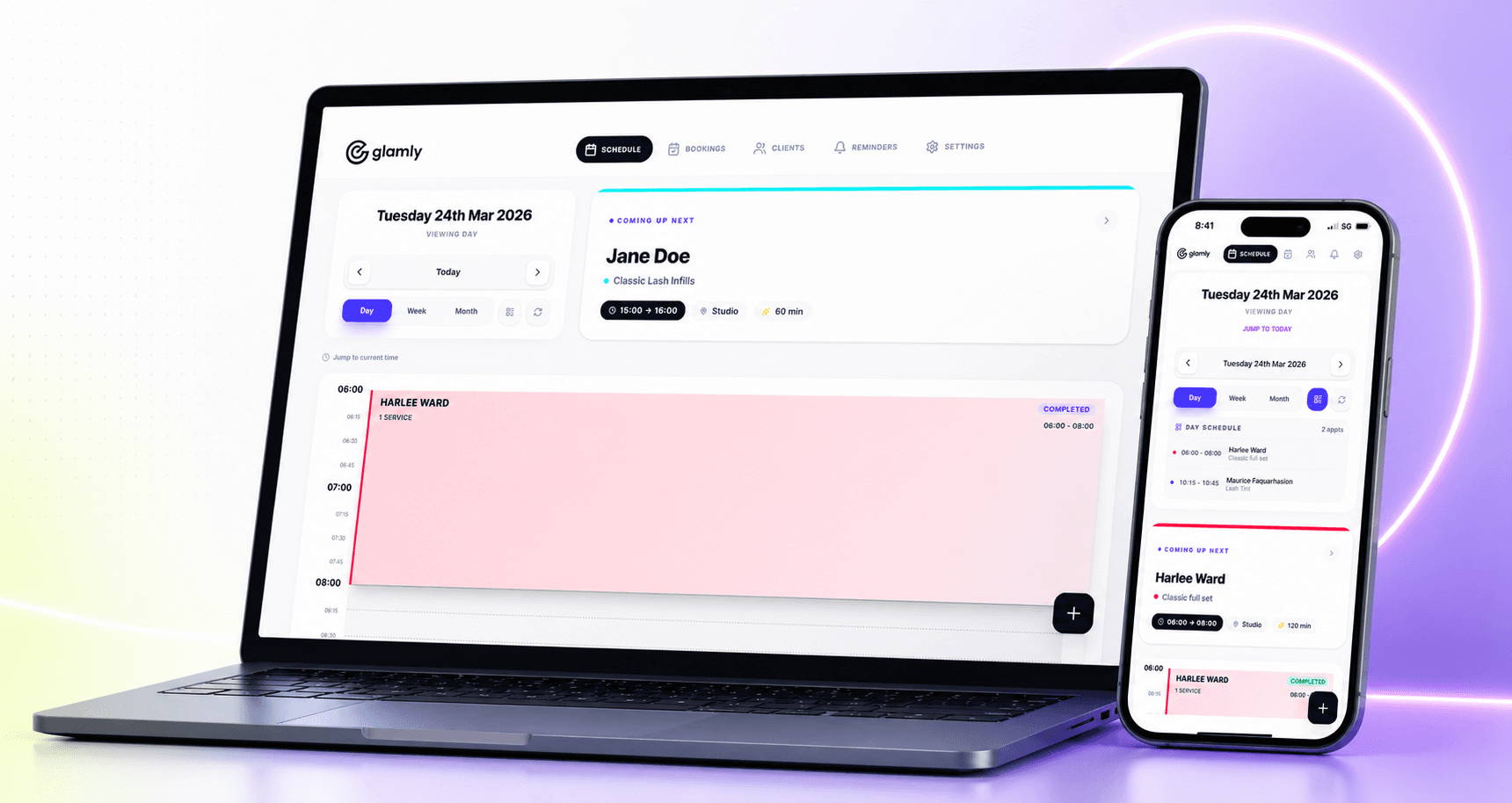
Until now, once a client booked an appointment they had no way to look back at what they'd had done, check what's coming up, or manage anything themselves. They were entirely reliant on you — or on searching through old confirmation emails — to find any of that information.
Today we're launching the Client Booking Portal. It's a personal space for each of your clients where they can log in and see all their upcoming and past appointments in one place.
What clients can see
The portal shows each client their full appointment history — every booking they've had with you, plus anything coming up. It's clean and simple: no clutter, just the information that matters to them.
- All upcoming appointments with date, time and service details
- Full history of past appointments
- Their saved details and preferences
How clients access it
There's a My Bookings link on your public booking page. Clients tap it, log in with their details, and land straight in their portal. No app to download, no account setup — it just works.
My Bookings on your booking page
The My Bookings link appears automatically on your booking page — nothing to set up. Clients who've booked with you before can log in using the same email address they used when booking.
The portal is live now for all Glamly businesses. If you have any questions just reach out at hello@glamly.uk.