Creating a promotion
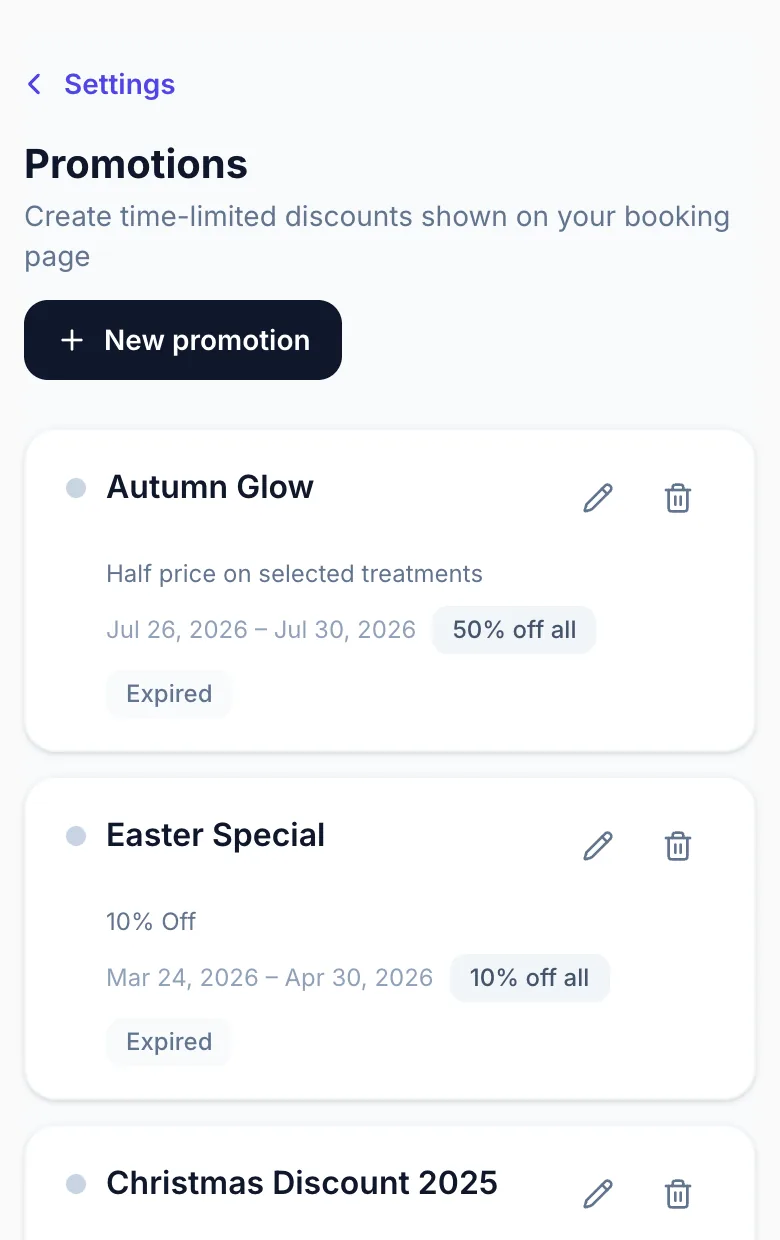
Promotions let you offer discounted prices for a set period. They appear automatically on your public booking page when active.
Creating a promotion
Go to Settings → Promotions and click 'Create promotion'. Give it a name, set the start and end dates, and choose the discount type.
Discount types
Flat discount: a fixed £ amount off a service. Percentage per service: a specific % off each service you choose. All-services percentage: one % applied to every service at once.
Date range
Set start and end dates. The promotion activates automatically on the start date and deactivates on the end date — no manual action needed.
Version 1.0 · Updated 17 Nov 2026
Was this helpful?
More in Promotions
See allStill stuck?
Message us and a real person will get back to you. If you're logged in, Settings → Contact Us is quickest.
Not on Glamly yet?
Bookings, deposits, reminders and payments in one app for beauty pros. Try it free for 30 days — no card needed.