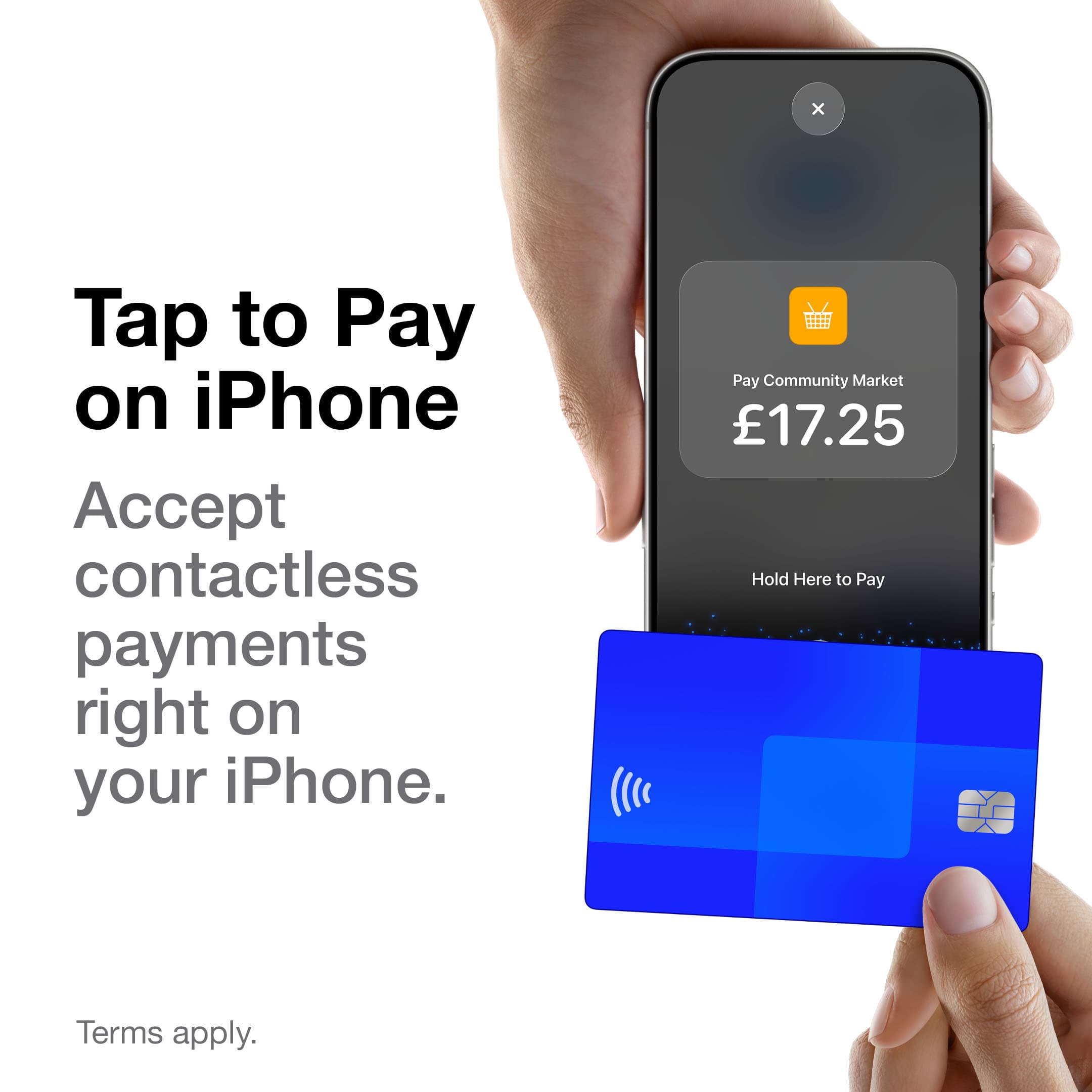
If you take card payments at the end of an appointment, you've probably got a SumUp, Square or Zettle reader in a drawer somewhere. They're cheap, they work, and for years they've been the obvious choice. But the fee on each tap is only part of what taking a payment costs you. The rest is the bit nobody prices in: the reader to charge, the app to switch to, and the booking you then have to mark as paid by hand.
We've just cut Glamly's payment fee from 1.5% to 0.5%, so it felt like the right time to lay the numbers out honestly. Here's how Tap to Pay in Glamly compares with the popular card readers, pence for pence, and where the real difference is.
The rates side by side
These are the standard UK pay-as-you-go rates for in-person card payments at the time of writing (November 2026). None of them charge a monthly fee on these plans.
| Fee per payment | Hardware | |
|---|---|---|
| Glamly Tap to Pay | Stripe 1.4% + 10p, plus Glamly 0.5% | None. Your iPhone or Android phone |
| SumUp | 1.69% | Reader from around £25 + VAT, or Tap to Pay on phone |
| Square | 1.75% | Reader from around £19–£49 + VAT |
| Zettle | 1.75% | Reader from around £29 + VAT |
Card reader providers change their prices and offers often, so check their own pricing pages before you decide. SumUp also has a £19/month plan with a lower rate on UK cards, which can work out cheaper if you take a lot of card payments.
What that means on a real appointment
Percentages are hard to picture, so here's what each one costs on payments you'll recognise, from a quick brow tidy to a full set.
| Payment | Glamly Tap to Pay | SumUp | Square / Zettle |
|---|---|---|---|
| £20 | 48p | 34p | 35p |
| £35 | 77p | 59p | 61p |
| £50 | £1.05 | 84p | 88p |
| £85 | £1.72 | £1.44 | £1.49 |
So on the fee alone, Glamly is a little dearer: roughly 15 to 30p per payment on a typical treatment. We'd rather tell you that straight than hide it. Over a month of, say, 60 in-person payments of £35, that's about £46 with Glamly against £35 with SumUp, so around £10 a month.
What the card reader fee doesn't include
When a client pays on a separate card reader, the money arrives but your booking system has no idea. So after every appointment you open your diary, find the booking, work out what's left after the deposit, mark it as paid, and hope the numbers match at the end of the month. Tips go in a note, or nowhere. Refunds mean opening a second app. It's only a minute or two each time, but across 60 appointments that's an hour or more a month, every month.
With Tap to Pay in Glamly, the payment is part of the booking. You open the appointment, tap Take payment, and your client taps their card, phone or watch on your phone. That's it. Behind the scenes:
- The deposit is already taken off. Glamly asks for the right balance, so there's no maths at the end of a long day.
- The booking is marked as paid automatically. No editing appointments, no “did she pay?” moments.
- Tips are recorded against the appointment, so you know exactly what you earned.
- Your earnings reports are right first time, because every payment is linked to the client and service.
- Refunds happen from the booking, back to the same card, in a couple of taps.
- No reader to buy, charge, pair or forget. If you have your phone, you can take a payment, which is especially handy for mobile techs.
If an hour of your time is worth more than £10, and it almost certainly is, the joined-up way of taking payments pays for itself.
It's not just Tap to Pay
The same 0.5% Glamly fee now applies to every other way your clients pay through Glamly: full payment when they book, Pay Now at checkout, payment links, no-show charges and gift voucher sales. Deposits still have no Glamly fee at all, just Stripe's standard card fee. Payments go straight into your own Stripe account, and your clients' details stay yours.
Put together, that's the real difference. A card reader is one more thing to manage alongside your booking system. Glamly is one place for your diary, your clients, your deposits and your payments, so the money and the bookings always match.
Switch on Tap to Pay
You'll need the Glamly app on an iPhone (XS or newer) or an Android phone with NFC running Android 13 or newer, and Stripe connected in Glamly. Then go to Settings → Payments and switch on Tap to Pay. The next time you finish an appointment, tap Take payment. See how payments work in Glamly.
When a card reader still makes sense
If most of what you take isn't linked to a booking, like retail sales or walk-ins you never put in the diary, or you take very high volumes and are happy paying SumUp's monthly plan, a separate reader can be the cheaper option. Plenty of our businesses keep one in the drawer as a backup, and that's fine. Using Tap to Pay in Glamly never charges a client unless you start the payment yourself, so the two can sit side by side without any risk of charging anyone twice.
But if your payments are for appointments, keeping everything in one place is simpler, tidier and, once you count your time, better value.