Get paid
when they book.
Take deposits, full payments or give clients the flexibility to pay on the day. You choose how your business gets paid — with transparent fees and no booking commission.
30-day free trial · No credit card required
Chasing payment after
the appointment is exhausting.
Sending bank details. Waiting for transfers. Following up the next day. Wondering if it's going to come through. For a solo beauty professional, the admin of chasing payment takes real time — and creates real awkwardness.
Glamly flips this completely. Payment — whether a deposit or the full amount — is collected at the point of booking, through a professional checkout experience that clients already trust. Your money is in your Stripe account before the client has even arrived.
Three ways to get paid.
You choose.
Every business is different. Glamly gives you the flexibility to take payment in a way that works for yours.
Deposit
Clients pay a partial amount at booking to secure their slot. The remainder is paid on the day of the appointment.
- Set as a fixed amount or percentage
- Different deposit per service
- New-client deposits only
- Clients agree upfront
Full Payment
Clients pay the complete service price when they book. No balance to collect on the day.
- No balance to chase on the day
- Per-service or per-client control
- Automatic receipts
- Easy refunds from dashboard
Pay Now
or Later
At checkout, clients decide: pay a deposit to hold the slot, or pay the full amount upfront. Their choice.
- Client flexibility without losing protection
- Deposit guarantees the slot
- Full-pay option for committed clients
- You control the minimum deposit
How Pay Now or Later works at checkout
When you enable this option, clients see a simple choice when they book: pay just the deposit amount to confirm the appointment, or pay the full service price now and have nothing to pay on the day. Either way, the booking is secured. You set the deposit amount — the client chooses how much they want to pay at that moment.
No surprises.
No commission.
Glamly does not take a commission on bookings. The fee structure is straightforward: a small platform fee applies only to full upfront payments, plus Stripe's standard processing fees on all card transactions.
Stripe's fee is typically 1.4% + 30p for UK cards. This is separate from and in addition to Glamly's platform fee.
Your money. Your
Stripe account. Direct.
Glamly is not the payment processor. Stripe handles the payment, and the money goes directly to your connected account.
Client pays at booking
Card details entered, payment processed instantly via Stripe.
Funds held in your Stripe account
Money is held in your connected Stripe account — not Glamly's.
Paid out to your bank
Stripe pays out to your linked bank account on your payout schedule (typically 2 business days).
Receipt sent automatically
Client receives a payment receipt. You see the transaction in your dashboard.
 Powered by Stripe
Example: £85 full payment. Deposit payments carry no Glamly fee.
Every payment control
in one place.
Deposits at booking
Set a fixed or percentage deposit per service. Clients pay when they book — no deposit, no booking.
Full payment upfront
Require the full service price at booking. Useful for new clients or high-demand appointment slots.
Pay now or pay later
Give clients a choice: pay a deposit to secure the slot, or pay the full amount up front.
Card on file
Clients save a card at booking. Used for cancellation policy enforcement — charged only if they no-show.
Per-service rules
Set different payment requirements for different services. BIAB might need a deposit; a consultation might not.
Per-client rules
Flag specific clients to always pay upfront — independent of your general policy. Persistent no-showers handled quietly.
Easy refunds
Issue full or partial refunds directly from your dashboard. Processed via Stripe back to the client's card.
Payment receipts
Clients get an automatic payment receipt. You get a clean record of every transaction on your dashboard.
Gift vouchers
Sell gift vouchers online that clients redeem against any service. A useful extra revenue stream.
Different clients need
different rules.
Your trusted regulars might book without a deposit. A first-time client might need one. A client who's no-showed twice needs to pay in full. Glamly lets you set the right rule for each situation.
Global policy
Set a default deposit requirement for all bookings — a simple default that covers most clients.
Per-service rules
Override the global policy for specific services. A lash infill might need no deposit; a new-set might need 50%.
New-client protection
Automatically require a deposit from any client booking for the first time, without affecting your regulars.
Per-client override
Flag an individual client to always pay a deposit or full amount — regardless of your general settings.
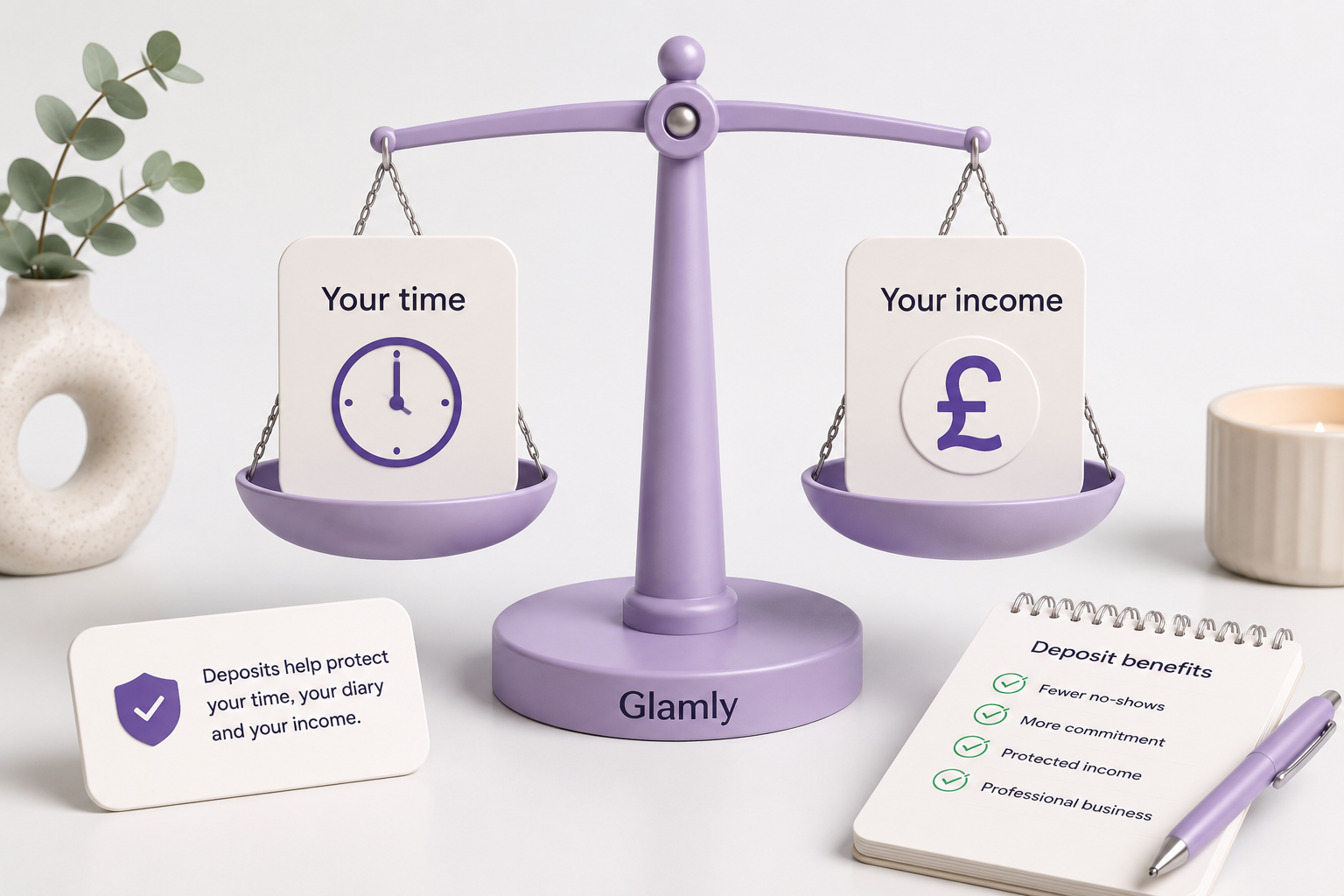
Works best with.
Common questions.
Can I require a deposit when clients book?
Can I take the full payment upfront?
How much does Glamly charge?
Where does the money go when a client pays?
Can I refund a client?
Do clients need a Stripe account to pay?
Ready to make running your beauty business easier?
Glamly brings your bookings, payments, clients and business tools together in one place — built specifically for beauty professionals.
30 days free · No credit card required