Complete Your Setup
Get your business ready to accept bookings online by adding your services, setting your availability, connecting Stripe and publishing your booking page.
Complete Your SetupLet's get your business ready to take bookings.
Whether you're just starting out or moving from another booking system, we'll help you every step of the way.
Everything you need to get set up, start accepting online bookings and grow your business is right here.
Need help? Just ask. Our team is always happy to help.
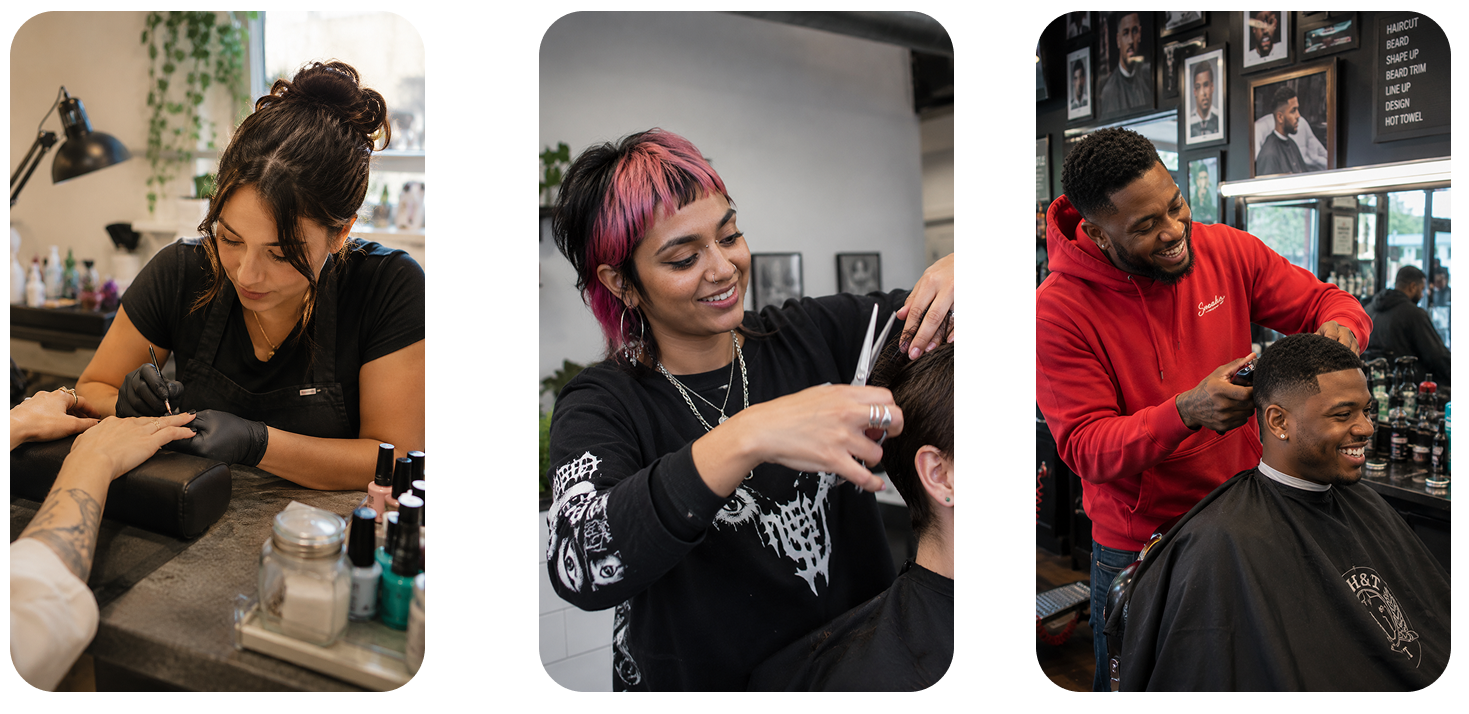
Get your business ready to accept bookings online by adding your services, setting your availability, connecting Stripe and publishing your booking page.
Complete Your SetupAlready using Fresha, Booksy, Timely or Square? We'll help move your clients, services and upcoming appointments to Glamly, making switching as smooth as possible.
Read the Migration GuideBrowse our help articles, FAQs and tutorials or contact the Glamly team if you need a hand.
Visit Help CentreGet professionally designed QR codes, window stickers, business cards and printable marketing materials to help clients discover and book your business.
Promote Your Booking PageLearn practical ways to attract new clients, reduce no-shows, increase repeat bookings and grow your beauty business.
Read GuidesReady-made social posts, emails and messages to help announce your new online booking system and encourage existing clients to start booking online.
View Resources“I've recently started using Glamly while transitioning to getting my own salon. I've been in contact about a lot of things and they've been extremely helpful and supportive. They answer quickly and the service is exceptional.”