Changing your hours from a future date
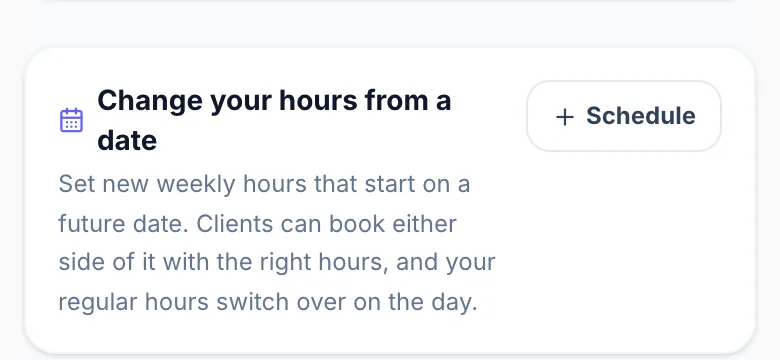
Set new weekly hours that start on a date in the future, like new January hours, while clients keep booking ahead on your current ones. Your regular hours switch over on the day.
Scheduling new hours
Go to Settings → Opening Hours and find 'Change your hours from a date'. Tap Schedule, choose 'New hours start on' (any day from tomorrow), and set the hours for each day. Saved changes show as 'From [date]' with Edit and Remove.
How clients see it
Clients can book either side of the date and always see the right hours for the day they pick.
Breaks
Each day in the new hours can have its own break, for lunch or the school run. Split shifts and your other day settings carry over from your current hours.
Out-of-hours windows from a date
Out-of-hours windows (Settings → Opening Hours → Out-of-hours bookings) have an optional 'Starts from' date too. Leave it empty to start now, or pick a date and the window only opens for bookings from that day. Handy for adding late evenings before Christmas.
Good to know
If your availability is set to manual, this card doesn't show.
Version 1.0 · Updated 22 Nov 2026
Was this helpful?
More in Bookings & Calendar
See all- The checkout hold and Calendar HoldsTwo different things that both 'hold' a slot: the short timer while a client checks out, and the Calendar Holds setting for bookings waiting for your approval.
- Creating recurring appointmentsRecurring appointments let you book a repeating series for a client in one go — perfect for regular colour clients, weekly blowdries, or monthly treatments.
- Managing a recurring seriesAfter a recurring series is created, you can manage it from the Recurring hub — accessible from the main Bookings Hub on your dashboard.
- Calendar date picker on your public booking pageWhen clients visit your public booking page and select a service, they are shown a full monthly calendar to choose their appointment date.
Still stuck?
Message us and a real person will get back to you. If you're logged in, Settings → Contact Us is quickest.
Not on Glamly yet?
Bookings, deposits, reminders and payments in one app for beauty pros. Try it free for 30 days — no card needed.