Customising notification settings
Control which notifications are sent and how in Settings → Notifications.
WhatsApp and email toggles
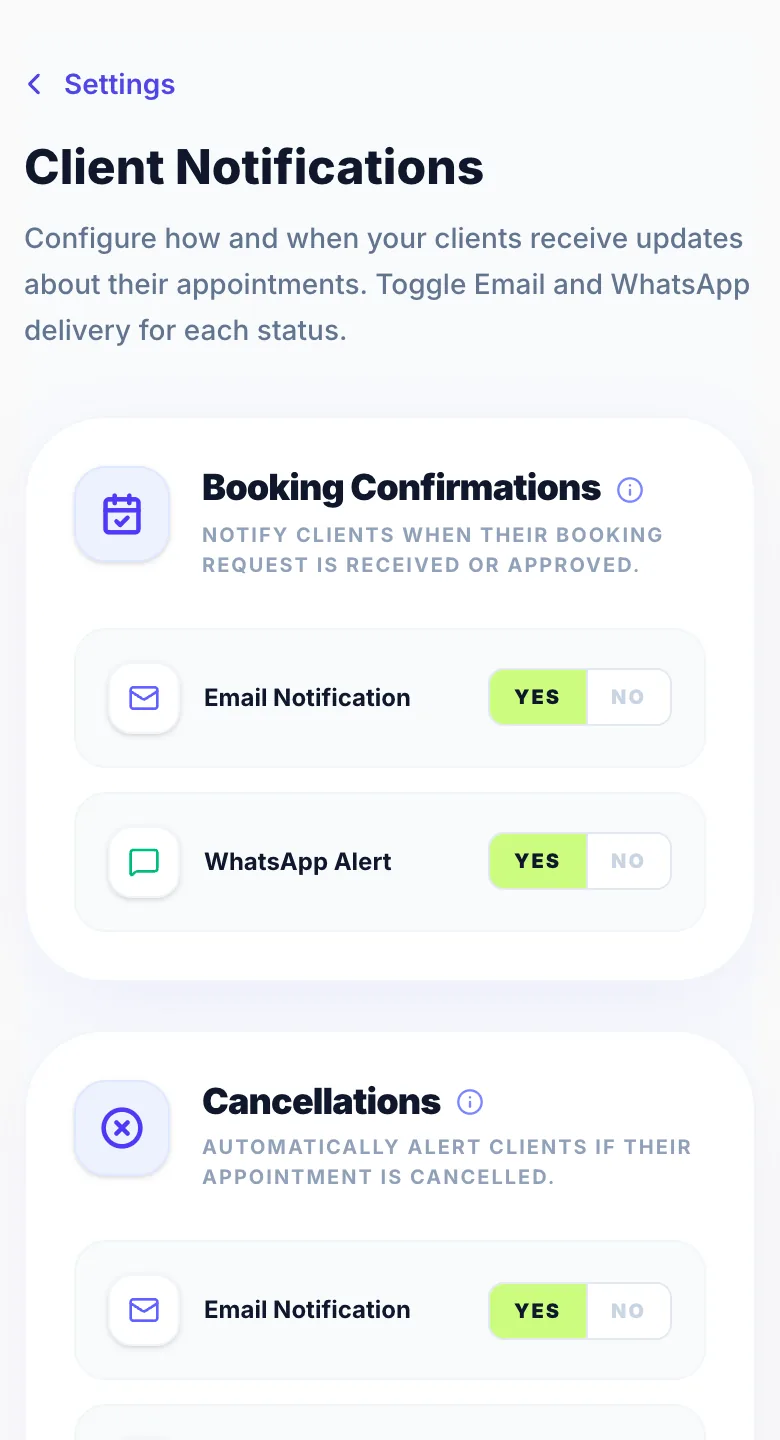
Each notification type (booking confirmation, reminder, cancellation, reschedule) has separate WhatsApp and email toggles. Enable or disable each channel independently per notification type.
Reminder timing
Set how many hours before an appointment the reminder is sent. For example, set to 24 to send reminders 24 hours before each appointment.
A second email reminder
Under Reminder timing you can turn on a Second email reminder with its own timing, for example 48 hours before as well as 24. It's off until you turn it on, and it's never sent at the same time as the first reminder.
Turning notifications off entirely
Toggle individual notification types off entirely if you prefer. For example, if you prefer no reminders at all, disable the reminder toggle.
Version 1.0 · Updated 17 Nov 2026
Was this helpful?
More in Notifications
See all- Salon notifications (email alerts for you)Glamly can send email notifications directly to your business inbox so you're always in the loop — even when you're not checking the dashboard.
- Push notifications — get the Glamly appPush notifications tell you straight away when a client books, cancels, reschedules or pays, even when Glamly isn't open.
- WhatsApp message allowance & usage limitsGlamly includes a monthly WhatsApp message allowance on every plan.
- How client notifications workGlamly sends automated notifications to clients throughout their booking journey via WhatsApp and email — keeping them informed without any extra work from you.
Still stuck?
Message us and a real person will get back to you. If you're logged in, Settings → Contact Us is quickest.
Not on Glamly yet?
Bookings, deposits, reminders and payments in one app for beauty pros. Try it free for 30 days — no card needed.