Days off and time off
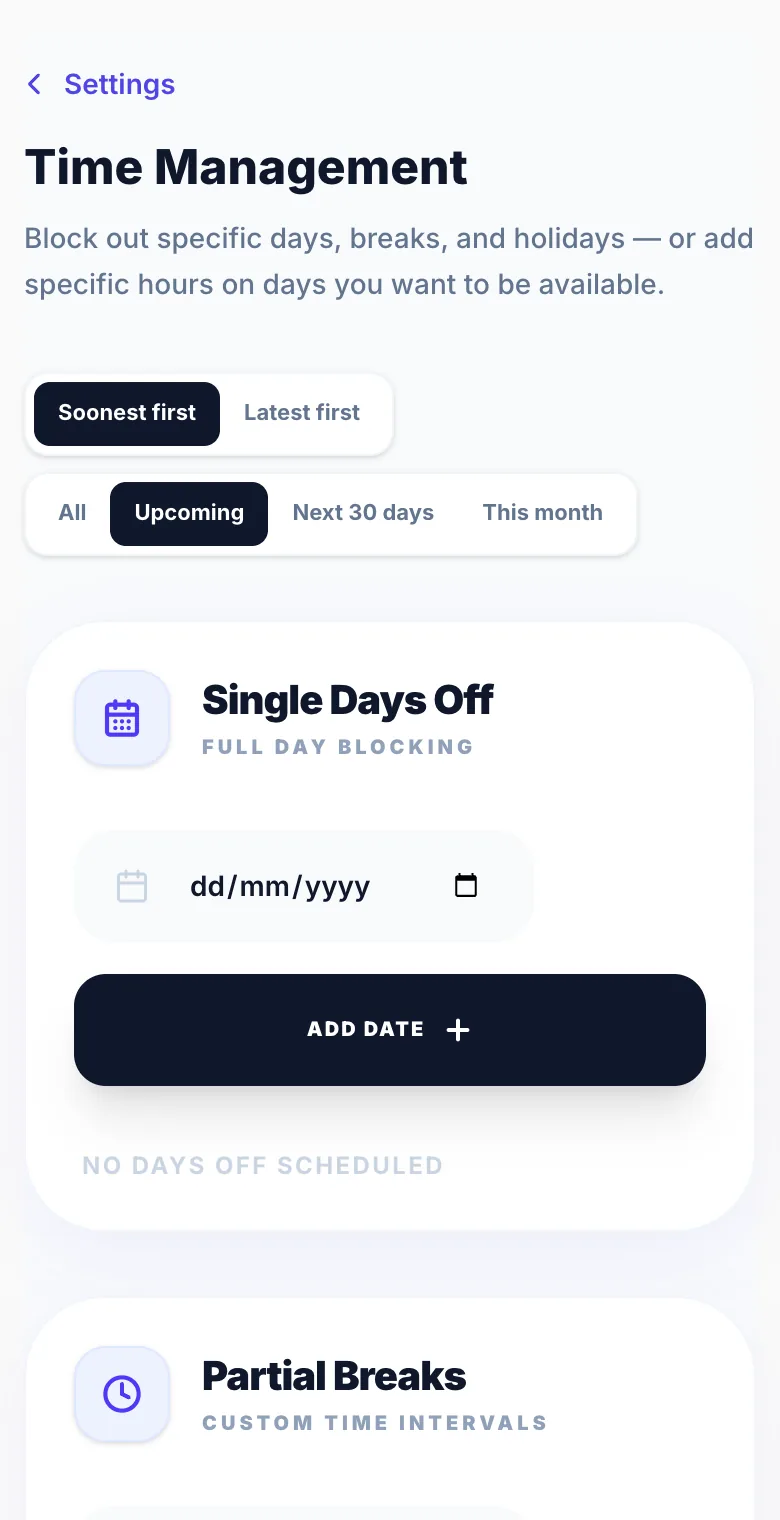
Block out dates or times when you're not available, without changing your regular opening hours. Everything here lives in Settings → Time Management.
A day off
Add the date under Single Days Off. That day can't be booked.
Part of a day
Add a Partial Break to block a time window on one date, for example 9am to 12pm for a training course. Clients can still book the rest of the day.
Holidays
Add a Holiday Block to close a range of dates in one go.
The same break every week
Add a Recurring Break for something that repeats, like the school run every weekday from 3pm to 4pm.
Opening on a day you're normally closed
On the calendar, tap the closed day and choose 'Open this day', or tap + and choose 'Open a closed day'. Set your hours and tap Open day. Clients can book that date straight away and your weekly hours stay the same. To undo it, go to Settings → Time Management → Custom Date Hours.
Version 1.0 · Updated 17 Nov 2026
Was this helpful?
More in Business Rules
See all- Opening hours vs when you can be bookedYour opening hours are your usual week.
- Split shifts and breaksBuild gaps into your working day so clients can't book into them.
- Maximum bookings per dayLimit how many appointments you accept on any single day to prevent an overwhelming schedule.
- Same-day booking cutoffThe same-day cutoff prevents bookings being made for the current day after a certain hour.
Still stuck?
Message us and a real person will get back to you. If you're logged in, Settings → Contact Us is quickest.
Not on Glamly yet?
Bookings, deposits, reminders and payments in one app for beauty pros. Try it free for 30 days — no card needed.