Same-day booking cutoff
The same-day cutoff prevents bookings being made for the current day after a certain hour.
Where to set it
Go to Settings → Rules and find 'Same-day cutoff'. Set the hour (e.g. 10am).
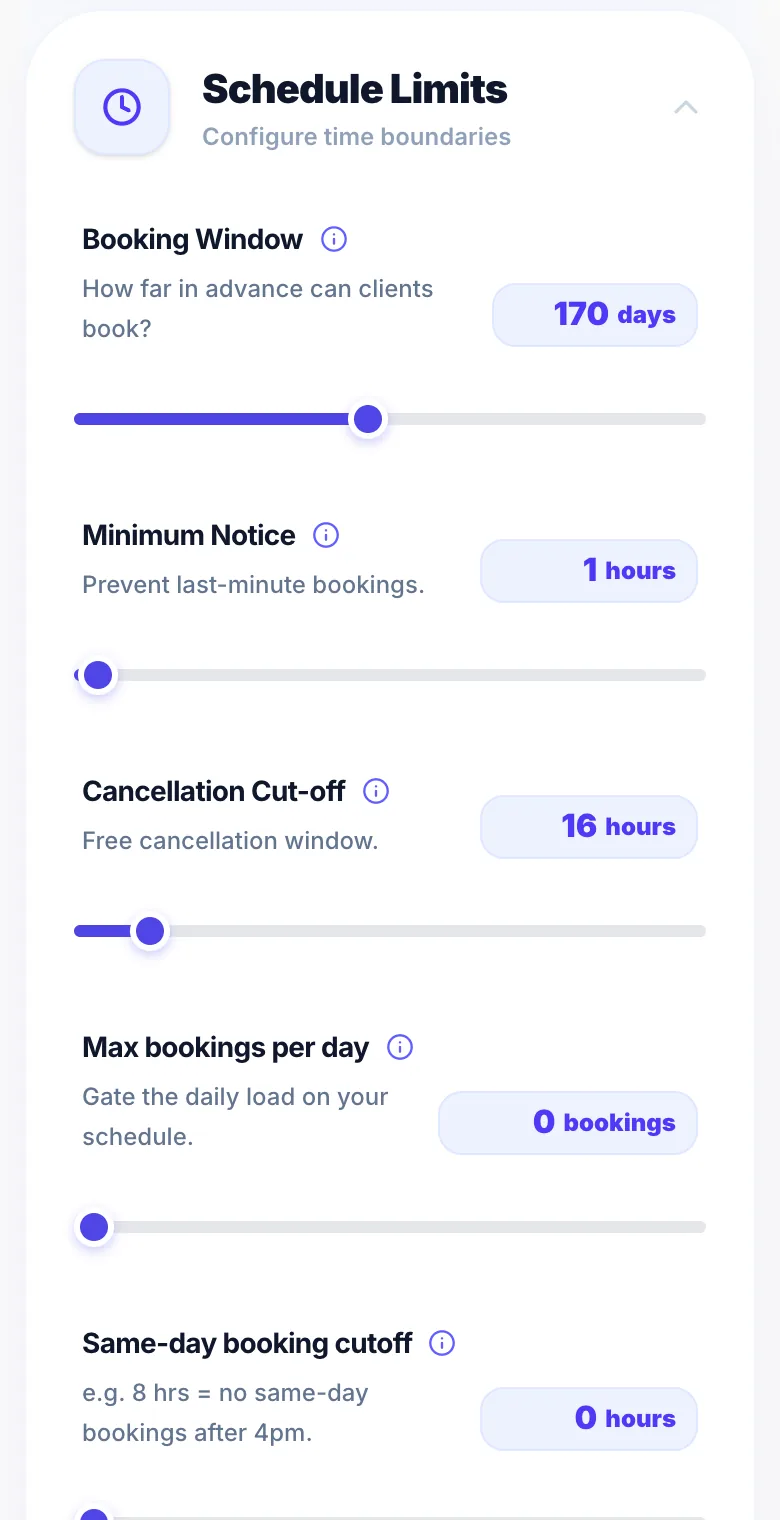
Example
With a 10am cutoff: a client visiting your page at 11am today cannot book any slot for today — but can book from tomorrow onwards.
Version 1.0 · Updated 17 Nov 2026
Was this helpful?
More in Business Rules
See all- Location type — studio, mobile, or eitherYou can offer studio appointments, travel to clients, or both — set per service.
- Pause new clients from bookingWhen you're at capacity or want to keep your books exclusive to regulars, you can stop new clients from booking online.
- Diary Release — choose when each month opensDiary Release lets you add your time off for a month before clients can book it.
- New client waitlistWhen you've paused new clients, people who can't book can join a new client waitlist instead of leaving empty-handed.
Still stuck?
Message us and a real person will get back to you. If you're logged in, Settings → Contact Us is quickest.
Not on Glamly yet?
Bookings, deposits, reminders and payments in one app for beauty pros. Try it free for 30 days — no card needed.