Fees and payouts
Glamly charges a 0.5% processing fee on payment link payments. You can absorb it or add it on top of what the client pays.
Default — you absorb it
The 0.5% comes out of your payout and the client pays exactly the balance due.
Passing it to the client
In Settings → Payments, turn on 'Pass processing fee to client'. The 0.5% is then added to the client's total: a £50 balance becomes £50.25. The breakdown is shown on the payment page and receipt.
Tips
Clients can add a tip when they pay. Tips go to you in full with no Glamly fee.
Payouts
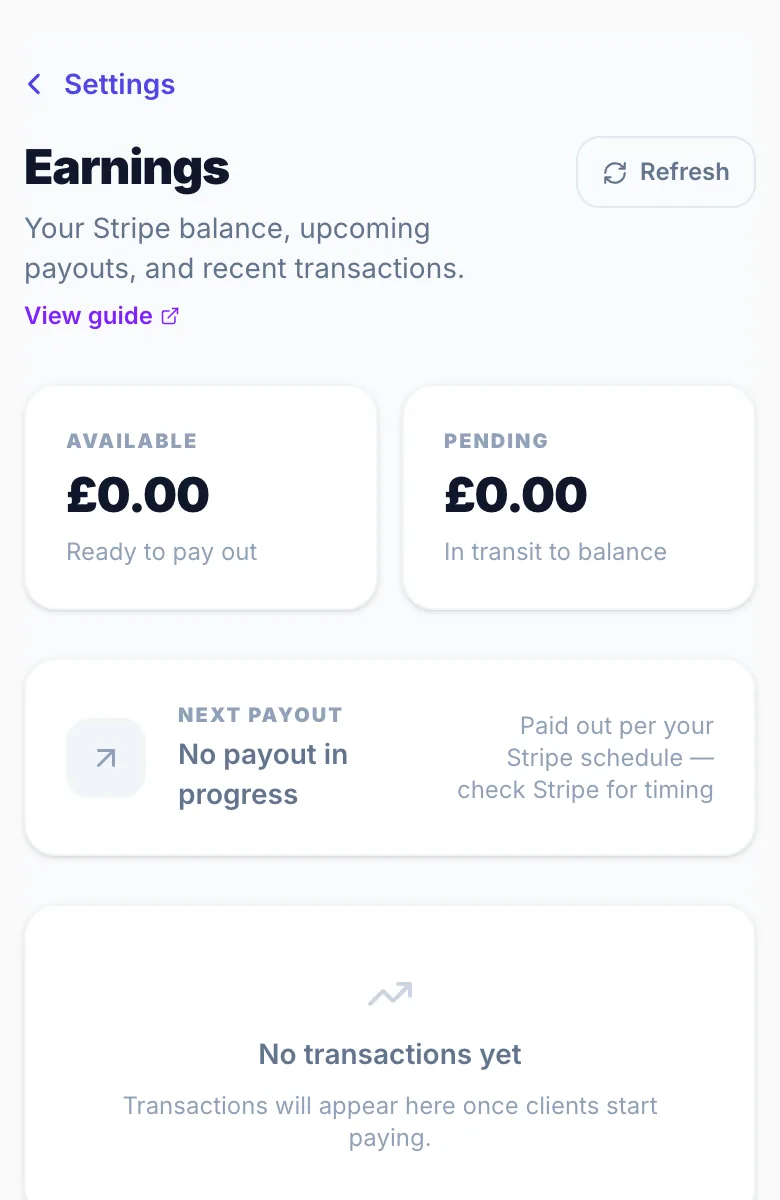
Payment link charges go to your Stripe account and follow your normal Stripe payout schedule. See Settings → Earnings.
Version 1.0 · Updated 17 Nov 2026
Was this helpful?
More in Payment Links
See allStill stuck?
Message us and a real person will get back to you. If you're logged in, Settings → Contact Us is quickest.
Not on Glamly yet?
Bookings, deposits, reminders and payments in one app for beauty pros. Try it free for 30 days — no card needed.