Aftercare instructions and documents
Aftercare lets clients see your aftercare advice and documents after their appointment, so you don't have to send it separately.
Where to set it up
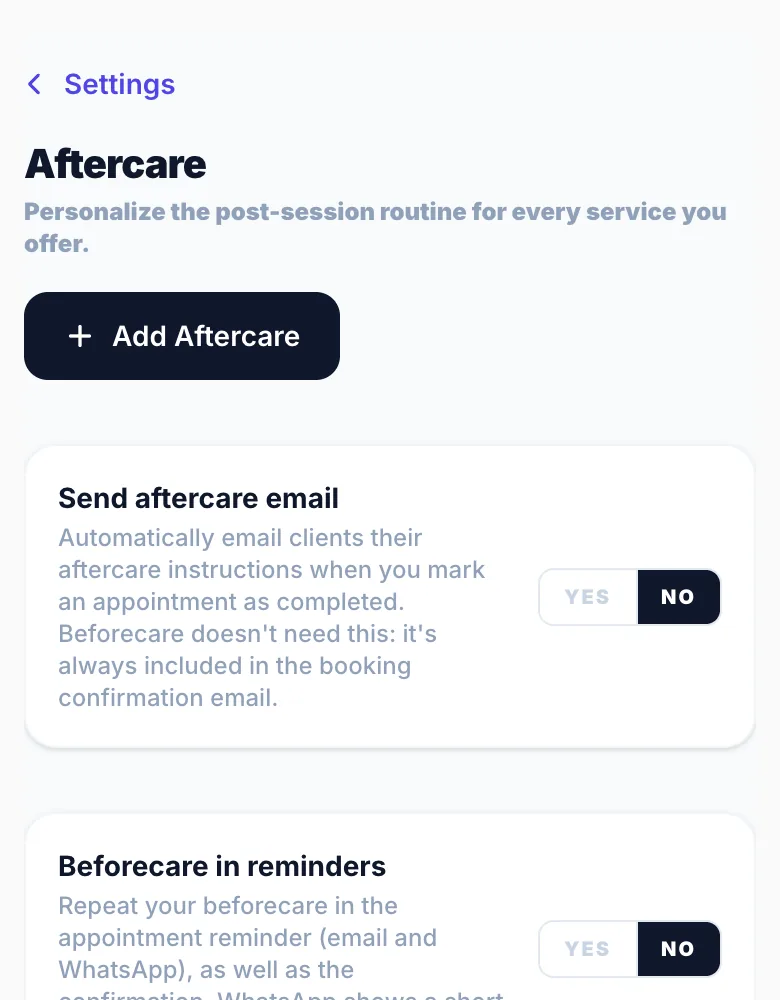
Go to Settings → Aftercare. Write your aftercare notes (or start from a template), upload documents such as a PDF leaflet, and choose which services they apply to.
What clients see
Clients see your aftercare on their manage booking page. Use 'Preview as client' to check it.
When it shows
Choose whether aftercare shows once the booking is confirmed or only after the appointment is completed. You can also send an aftercare email.
Version 1.0 · Updated 17 Nov 2026
Was this helpful?
More in Services & Extras
See allStill stuck?
Message us and a real person will get back to you. If you're logged in, Settings → Contact Us is quickest.
Not on Glamly yet?
Bookings, deposits, reminders and payments in one app for beauty pros. Try it free for 30 days — no card needed.