Card on file and no-show charges
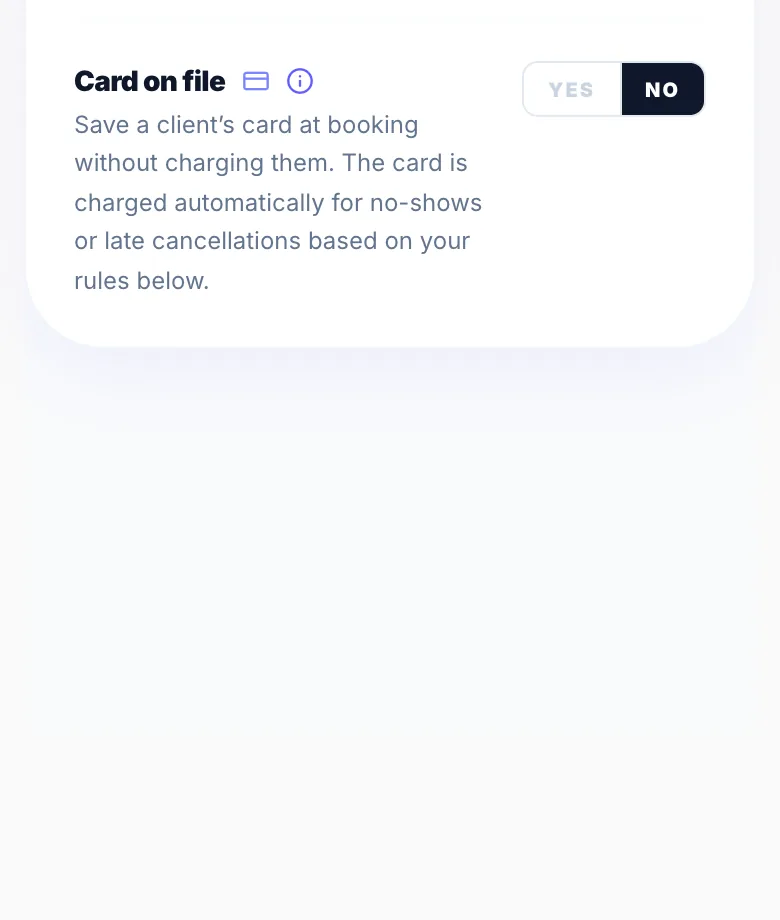
Card on file saves the client's card when they book, without charging it, so you can charge them if they don't turn up or cancel late.
Setting it up
Turn on Card on file in Settings → Rules, set the charge amount and choose whether no-shows and late cancellations are charged automatically. You can change the setting for individual services in Settings → Services Menu.
What the client sees
They're told at booking that their card is saved and what they'd be charged, and they agree to your policy before booking.
How the charge is worked out
The charge is based on the full service price.
Fees
No-show and late-cancellation charges carry Glamly's 0.5% processing fee plus Stripe's card fee.
Version 1.0 · Updated 17 Nov 2026
Was this helpful?
More in Deposits & Payments
See all- Pay later with Klarna and ClearpayWhen clients pay a deposit, a full payment or a payment link, Stripe can offer Klarna and Clearpay as well as cards, Apple Pay and Google Pay.
- A client paid — where's my money?When a client pays a deposit, a full payment, a payment link or by Tap to Pay, the money goes straight into your own Stripe account.
- Your Earnings pageEarnings shows the money you've taken through Glamly: your Stripe balance, your next payout and every transaction.
- Payment processing fee credit systemWhen a full payment is refunded, Glamly automatically returns the 0.5% payment processing fee to your credit balance — so you're never charged for a transaction that didn't happen.
Still stuck?
Message us and a real person will get back to you. If you're logged in, Settings → Contact Us is quickest.
Not on Glamly yet?
Bookings, deposits, reminders and payments in one app for beauty pros. Try it free for 30 days — no card needed.