How rescheduling works
Clients can request to reschedule via the manage link in their WhatsApp confirmation. You can also reschedule from your dashboard.
Client-initiated reschedule
The client visits their manage link, clicks 'Reschedule', selects a new available slot, and confirms. You receive a WhatsApp notification of the change.
Business-initiated reschedule
Open the booking in your dashboard and use the reschedule option to pick a new date and time. The client is notified via WhatsApp.
Deposit on reschedule
The deposit always carries forward to the rescheduled appointment automatically. The client never needs to pay again.
Enabling / disabling
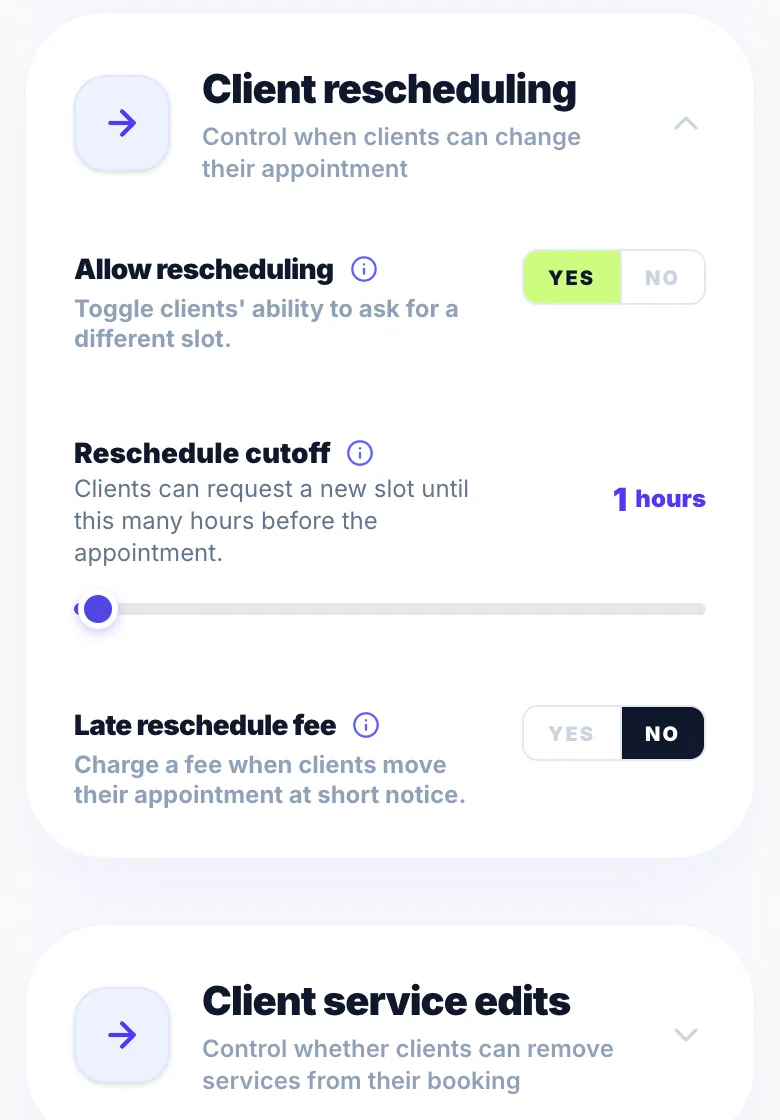
Turn client reschedule on or off in Settings → Rules. You can also set a reschedule cutoff to prevent last-minute changes.
Version 1.0 · Updated 17 Nov 2026
Was this helpful?
More in Rescheduling
See allStill stuck?
Message us and a real person will get back to you. If you're logged in, Settings → Contact Us is quickest.
Not on Glamly yet?
Bookings, deposits, reminders and payments in one app for beauty pros. Try it free for 30 days — no card needed.