Late reschedule fee
Charge a fee when a client moves their appointment at short notice, for example 'Moving within 48 hours costs £10'.
Setting it up
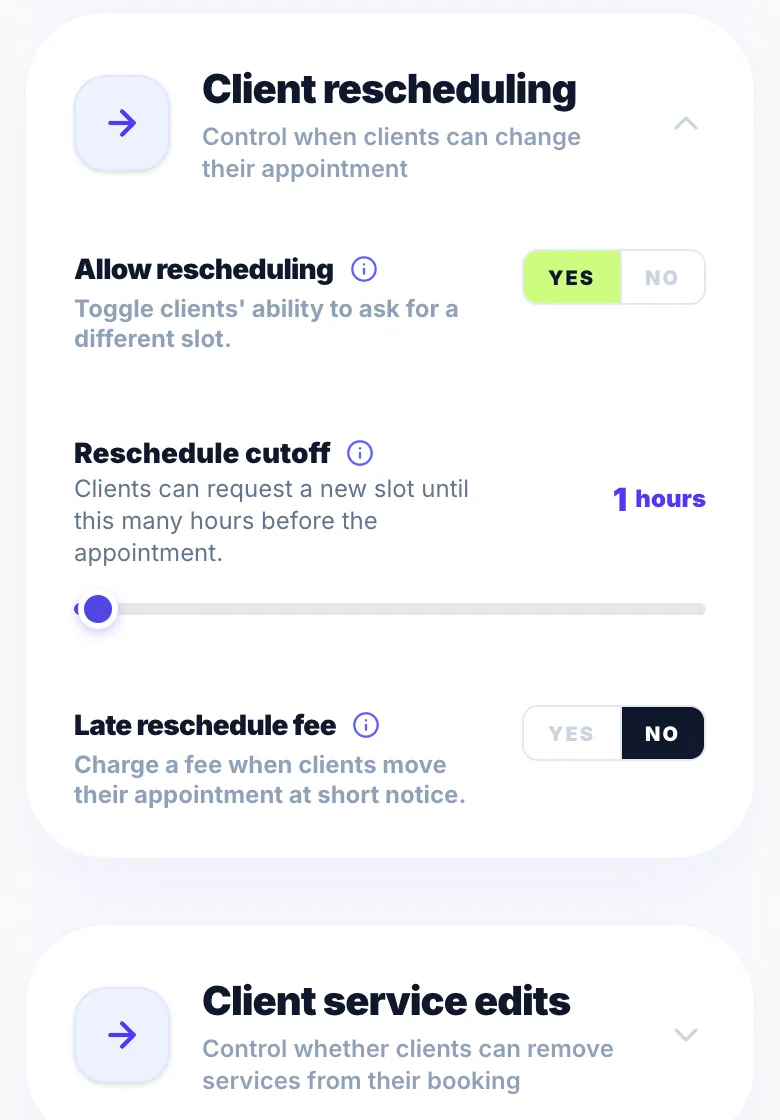
Go to Settings → Rules → Rescheduling and switch on 'Late reschedule fee'. Choose the window (for example 48 hours) and the fee: a set amount, a percentage of the treatment, or the deposit amount. The window has to be longer than your reschedule cutoff, because inside the cutoff clients can't move at all.
Example
Cutoff 24 hours, fee window 48 hours, £10:
- More than 48 hours before: moving is free.
- Between 48 and 24 hours before: it costs £10.
- Inside 24 hours: clients can't move the appointment and need to contact you.
What the client sees
Your booking page and the client's booking page show the policy. When a client asks to move inside the fee window, they're shown the fee and must tick to agree to it before they can send the request.
When it's charged
Nothing is charged until you accept the new time. The request shows the fee, and you can tick 'Waive the fee this time' before accepting. If the client has a saved card, the fee is taken from it straight away. Otherwise it's added to what they owe. If you suggest a different time yourself, or decline, there's no fee.
If the card is declined
The fee is added to what the client owes, and you get a notification in Activity.
Removing or refunding a fee
A fee that's still owed has a Remove link in the booking's Payment section. A fee already taken from the card can be refunded from your Stripe dashboard, and the booking updates automatically.
Deposits, no-shows and cancellations
The fee is separate from the treatment price. The deposit still counts towards the appointment, and any later no-show or late-cancellation charge is worked out on the treatment alone. Glamly's 0.5% applies to a late reschedule fee taken from a saved card, as on other saved-card charges.
Version 1.0 · Updated 17 Nov 2026
Was this helpful?
More in Rescheduling
See allStill stuck?
Message us and a real person will get back to you. If you're logged in, Settings → Contact Us is quickest.
Not on Glamly yet?
Bookings, deposits, reminders and payments in one app for beauty pros. Try it free for 30 days — no card needed.