Setting a cancellation cutoff
The cancellation cutoff defines how many hours before an appointment a client can cancel and still receive a deposit refund. Cancellations inside this window are 'late' and the deposit can be retained.
Where to set it
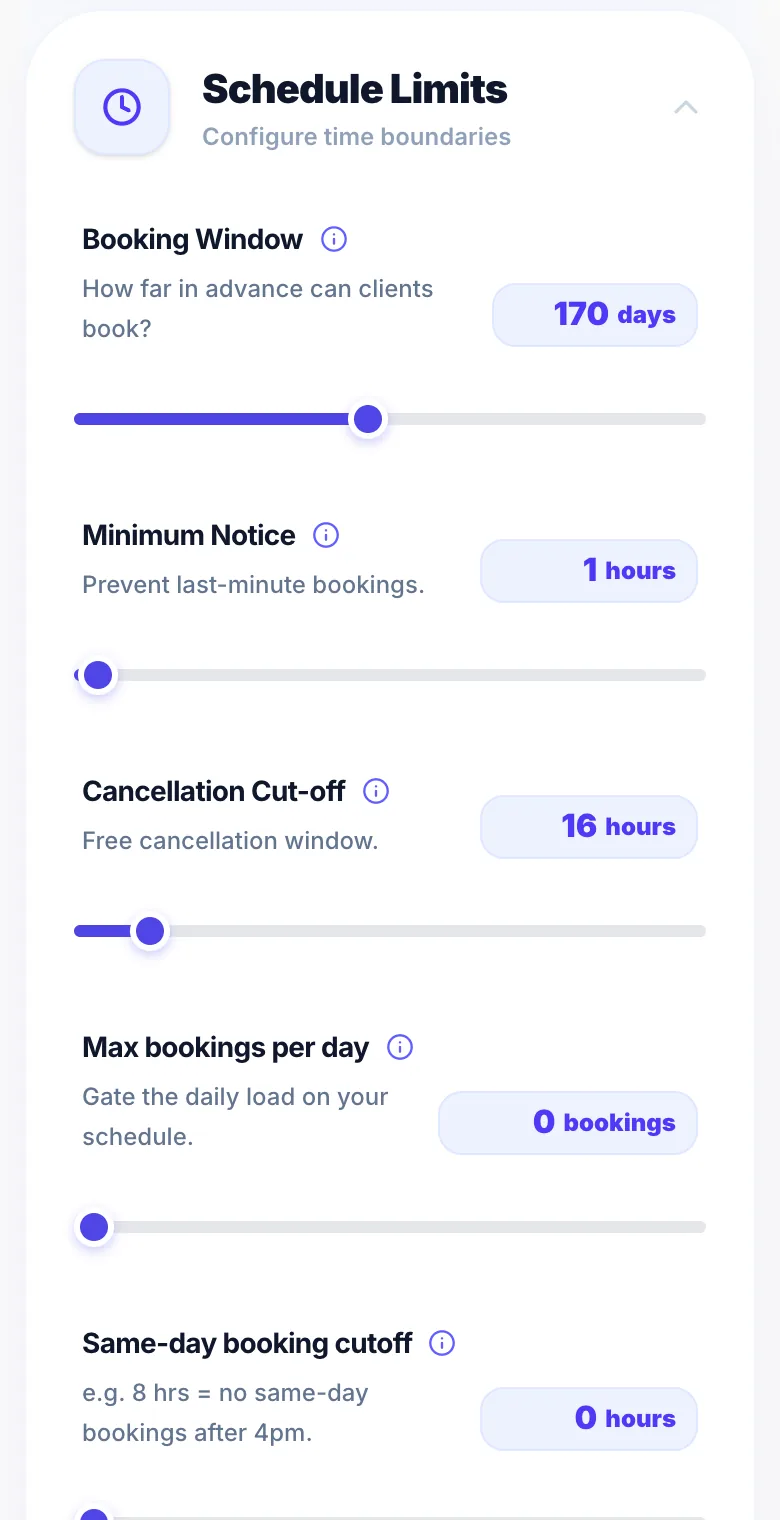
Go to Settings → Rules and find 'Cancellation cutoff'. Set the number of hours.
Example
With a 48-hour cutoff: a client cancelling 3 days before gets their deposit back. A client cancelling 24 hours before does not.
Recommended setting
48 hours is the most common cutoff. It gives you enough notice to rebook the slot while giving clients reasonable flexibility.
Version 1.0 · Updated 17 Nov 2026
Was this helpful?
More in Cancellations & No-Shows
See all- Late cancellations — retaining the depositIf a client cancels after your cutoff window, Glamly marks it as a late cancellation.
- Marking a no-showIf a client doesn't attend their appointment, mark it as a no-show in your dashboard.
- Setting a custom cancellation policyYou can control exactly what clients see as your cancellation policy on the booking checkout and their manage booking page.
- Cutting down no-showsGlamly has several settings that protect you from no-shows. Use one or layer them up.
Still stuck?
Message us and a real person will get back to you. If you're logged in, Settings → Contact Us is quickest.
Not on Glamly yet?
Bookings, deposits, reminders and payments in one app for beauty pros. Try it free for 30 days — no card needed.