Your bookings.
Always open.
Give clients a professional way to book your services 24/7 — without the messages, phone calls and back-and-forth.
30-day free trial · No credit card required
How many messages
did you answer today?
Every beauty professional knows the pattern. The DMs. The voice notes. The "can you fit me in?" messages at 11pm. For every hour you spend replying, that's an hour you're not working — or resting.
"Have you got anything Thursday after 3?"
Instagram DM, 9:47pm"How much is a BIAB set? And do you do gels?"
WhatsApp, Tuesday morning"Can I book next week? What times do you have?"
Instagram DM, 11:14pm"Sorry I didn't reply — is that slot still free?"
Three days laterGlamly lets clients answer those questions themselves — and book without you being involved at all. Your link is live 24/7. Your calendar is always accurate. Every new booking lands in your diary automatically.
The booking journey
your clients experience.
The entire journey takes under two minutes for a client who's ready to book — and requires zero input from you.
Everything your booking
page needs.
Not a generic calendar — a booking experience designed specifically around how beauty services work.
Your own booking URL
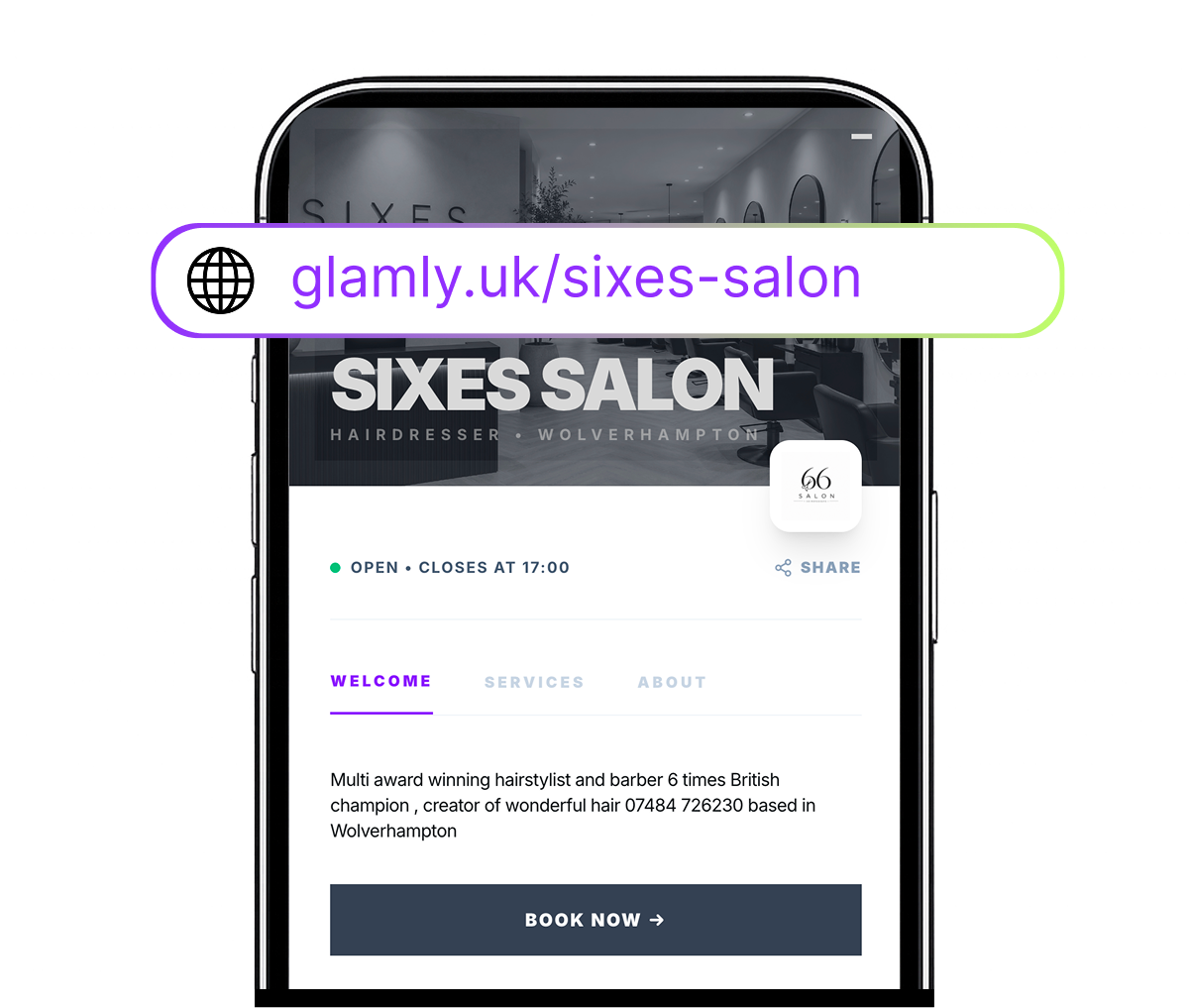
glamly.uk/your-name — share it anywhere, link it in your bio, put it in your email signature.
Real-time availability
Clients only ever see times that are actually free. No double-bookings, no gaps you didn't plan.
Service menu with photos
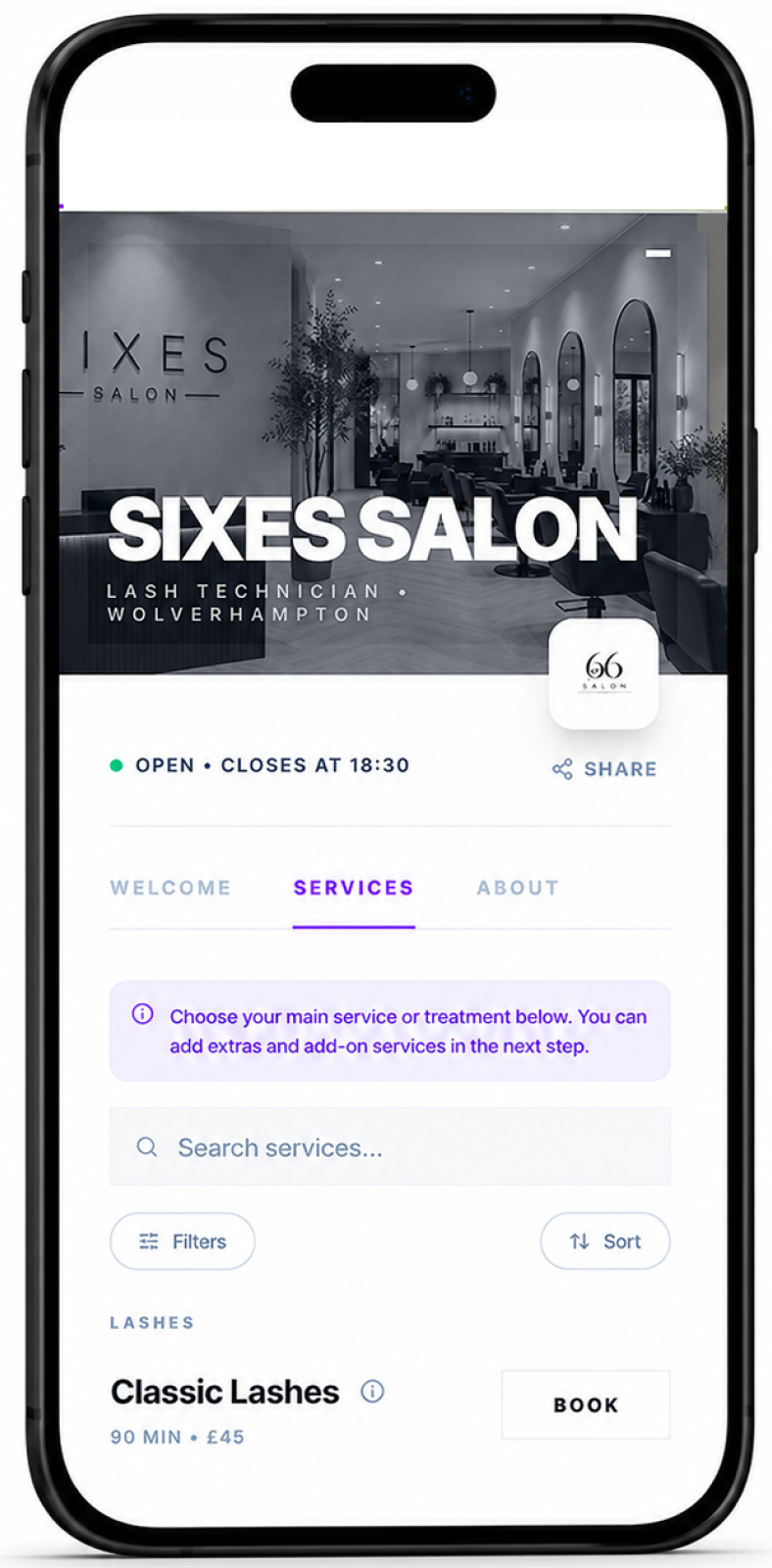
Categorised services with prices, durations, descriptions and photos. Your menu, professionally presented.
Processing time
Set processing or drying time so other services can be booked during a treatment — maximise your earning potential.
Extras & add-ons
Clients can add extras at booking time — nail art, conditioning treatments, tint. More value per appointment.
Booking rules
Set minimum advance notice, booking windows, maximum days ahead, and buffer time between appointments.
Deposits & payments
Require a deposit or full payment at booking. No-shows cost real money — skin in the game changes behaviour.
Instant confirmation
Clients get a WhatsApp confirmation the moment they book. You get a notification too.
Manual booking
Book clients in yourself for phone bookings, walk-ins, or appointments that don't fit the online flow.
Generic calendar tools
weren't built for this.
Most booking software is built for restaurants or healthcare. Beauty is different. Treatments have varying durations, some services need processing time where other work can happen, extras can be added on, and deposits protect against no-shows in a way that doesn't apply to other industries.
Glamly is built around these realities. You can set a BIAB appointment to include 20 minutes of processing time, allow another service to be booked during that window, require a deposit from new clients only, and have different cancellation rules for different services — all without spreadsheets or workarounds.
How beauty professionals
use Glamly booking.
BIAB, gels and extras in one booking.
Clients pick their nail service, choose to add nail art or gems, select a date — all in under 90 seconds. No DMs asking what colours you have.
Infills and new sets, always clear.
Lash clients know exactly which service to book — new set, 3-week infill or 4-week. No confusion, no under-pricing the wrong service.
Colour consultations and cut bookings.
Set different durations and prices for a full head of highlights vs a root touch-up. Clients book the right service every time.
Treatments with processing time built in.
A wax with tint runs two services simultaneously. Glamly handles the overlap — you don't block time manually.
Clean, fast bookings with add-ons.
Beard trims, fades, cut and beard — each service has its own duration and price. Clients add extras at booking, not on the day.
Lamination, wax and tint separated clearly.
Different brow treatments have different prep requirements. Your booking page makes it clear which service is which — and who it's for.
Wherever clients find you,
they can book.
One link. Works everywhere.
Add to your bio or use as a link sticker in Stories. Most bookings come from Instagram.
Your glamly.uk link appears in search results. Clients searching for you can book instantly.
Drop your link into WhatsApp conversations instead of scheduling back-and-forth.
QR Code
Print your QR code on business cards, leaflets or mirrors. One scan, booking open.
What makes Glamly
different.
No marketplace, no commission
You share your link with your own clients. We don't put you in a directory next to competitors or take a cut of every booking. One flat monthly fee, nothing more.
Live in under five minutes
Add your services, set your hours, share your link. Most beauty professionals take their first booking within an hour of signing up. No setup fees, no training calls.
Payments built in from day one
Deposits, full payments, card-on-file — all built into the booking flow. Clients pay when they book, not when they arrive. No separate payment tool needed.
Mobile-first for beauty clients
Most of your clients will book on a phone. Glamly's booking page is designed for mobile first — fast to load, simple to use, with Apple Pay and Google Pay supported.
Works best with.
Common questions.
How does Glamly online booking work for clients?
Can clients book outside my working hours?
Can I approve every booking manually?
Can I add Glamly booking to my existing website?
Can clients book directly from Instagram?
Can I take deposits when clients book?
What happens if a client cancels or wants to reschedule?
Ready to make running your beauty business easier?
Glamly brings your bookings, payments, clients and business tools together in one place — built specifically for beauty professionals.
30 days free · No credit card required